
It’s possible your Outlook client has many calendars, but these calendars do not show when connecting your Office 365 account in Clik. This is because these calendars are not actually part of your Office 365 account and you will need to add these calendars to your Office 365 account.
You will need to open your browser and log into your Office 365 account.
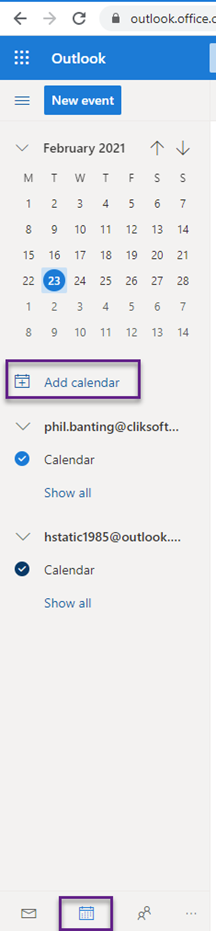
Open your outlook app and select your calendars.
Next, click on ‘Add Calendar’. You will then need to log into the account that may have those calendars.
This was added in update v4.335. Make sure to update your software to get all the latest updates and improvements.
Comments
0 comments
Please sign in to leave a comment.