
This article will explain how an admin user can let other users set up their Microsoft/Office 365 account, without having admin privileges. These users will only be able to set up individual accounts and not shared accounts.
Please see these steps if you want to set up Office 365 as an admin user.
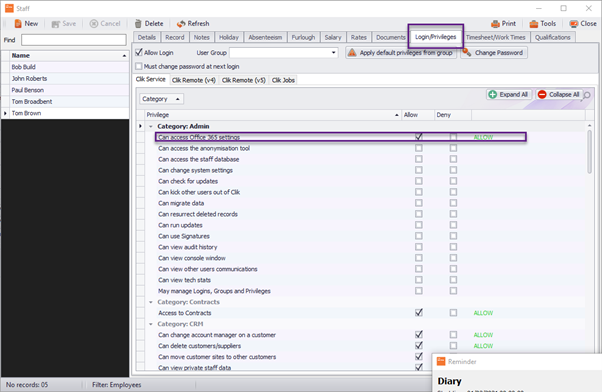
First, the admin user must change a privilege in the staff database by going to Settings > Staff

Select the user you require, go to ‘Login/Privileges’ and tick ‘Can Access Office 365 settings’ in the ‘Allow’ box.
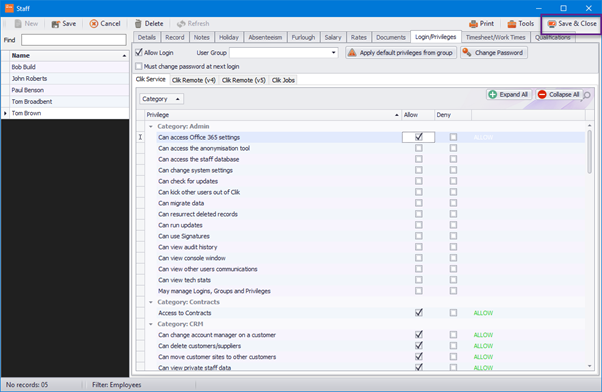
Now click ‘Save & Close’ and ask the user to log in with their account.
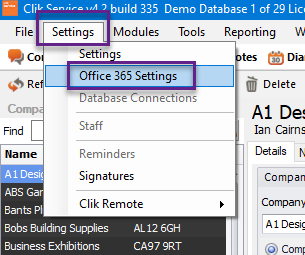
When the user has logged in, they can then go to Settings > Office 365 Settings.
The user then just needs to click on ‘Sign in with Microsoft’
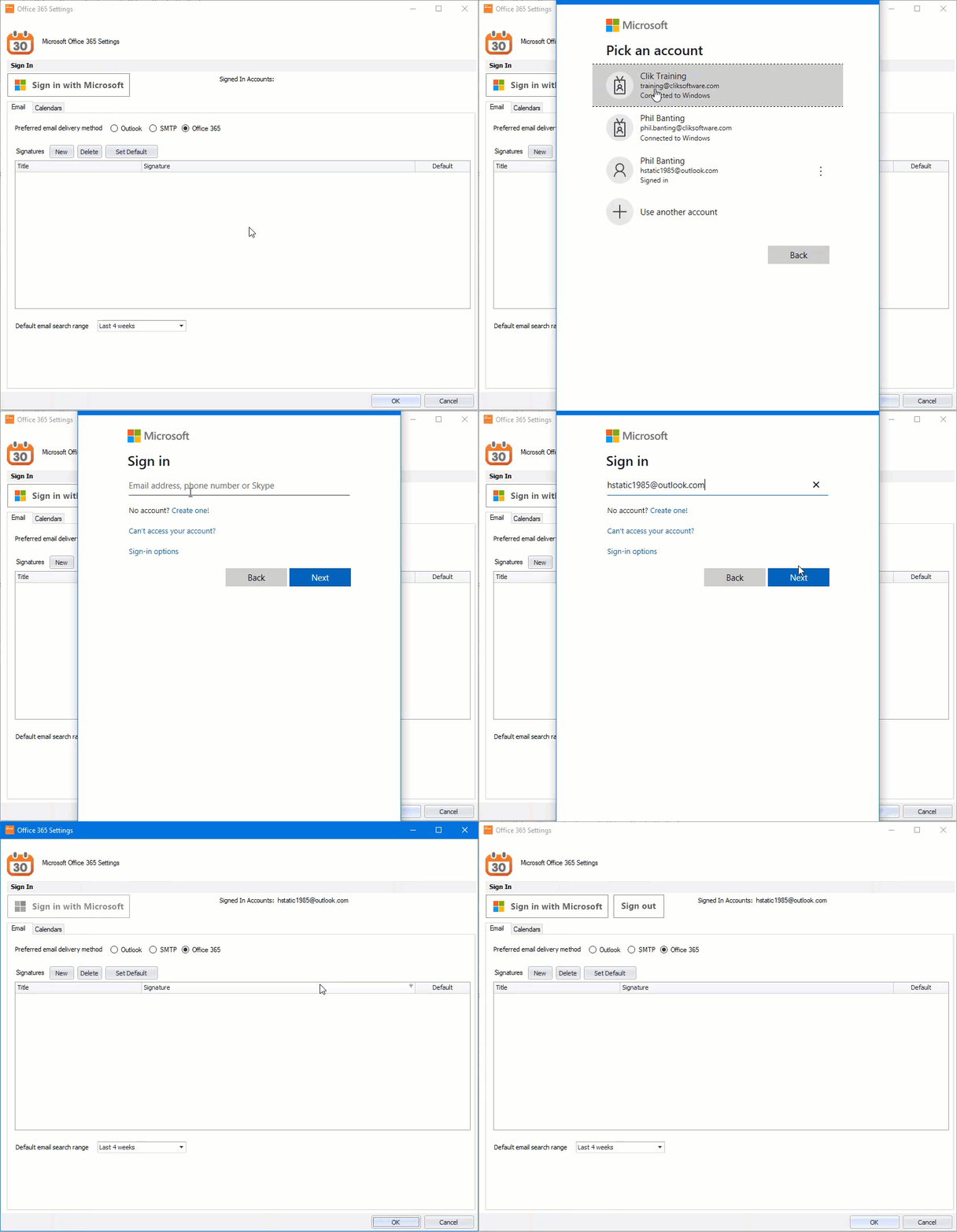
That’s it, the user has signed in and can now set up their calendars. Click on the below links to find out more about using Office 365.
This was added in update v4.335. Make sure to update your software to get all the latest updates and improvements.
Comments
0 comments
Please sign in to leave a comment.