
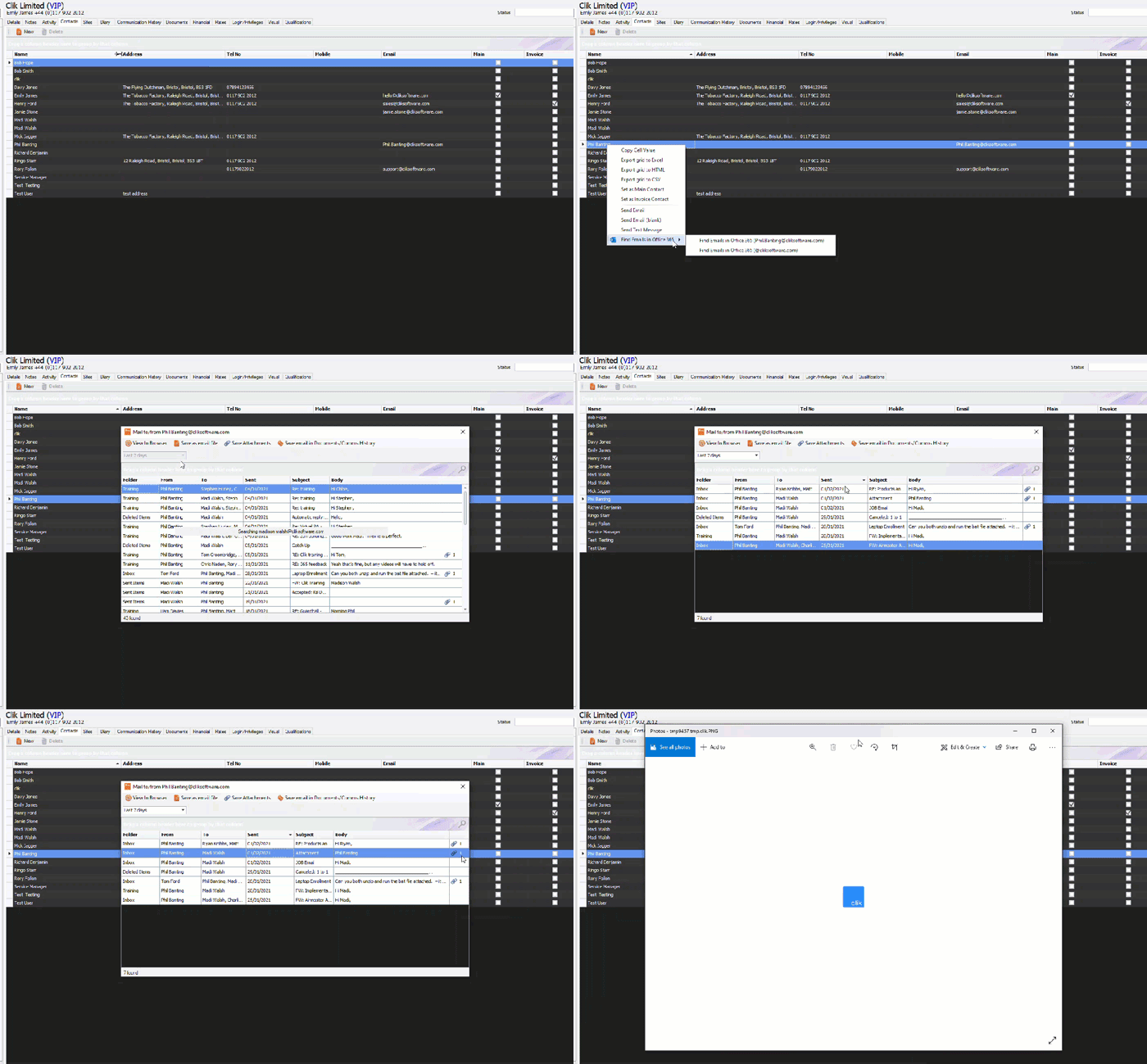
To view an attachment sent through email, you will first need to search through your Outlook emails, either in a job sheet or the CRM.
Once you have searched, find the email in the list, and highlight it.
If there’s an attachment in the email, there will be a paperclip with the number of attachments next to it. Click on this and choose how you want to open the attachment.
This was added in update v4.335. Make sure to update your software to get all the latest updates and improvements.
Comments
0 comments
Please sign in to leave a comment.