
Backing up your electrical certificate software can help you prepare for accidents and potential loss of important data.
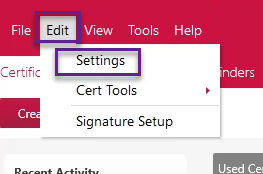
To do so, go to Edit > Settings.
Here, navigate to the 'Database' tab and select the location for your backups.
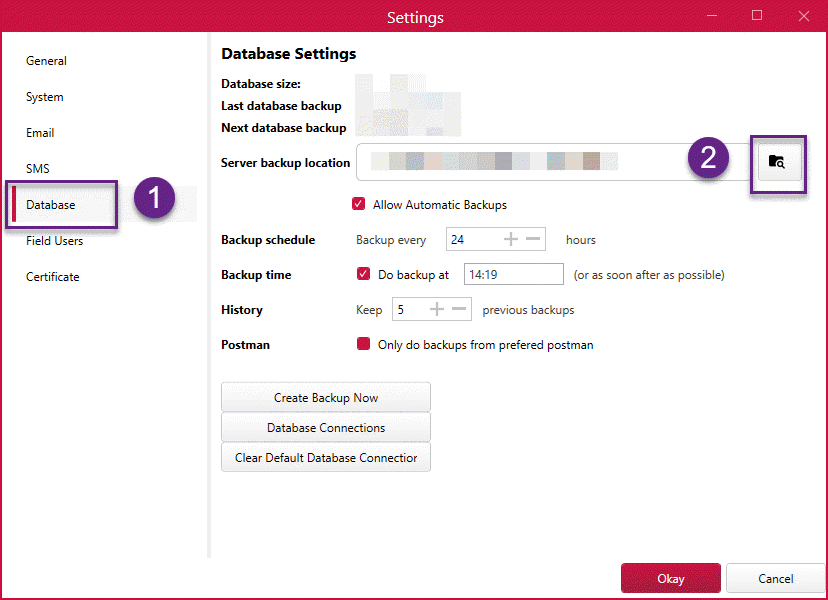
You can enable automatic backups and then set the schedule for a backup to occur after ticking the 'Allow Automatic Backups' selection.

The settings screen was amended in v1.0.50. Make sure your software is up-to-date to get the latest features and improvements.
Published: February 2019
Last Updated: November 2020
Comments
0 comments
Article is closed for comments.