
This article will show you how to set up any protective devices the database doesn’t have by default.
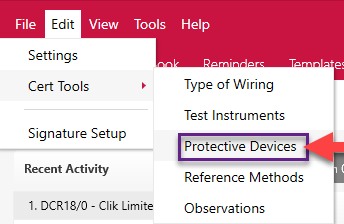
First, go to Edit > Cert Tools > Protective Devices.
Now click on ‘Create New’, you will then get a line added at the bottom to add your new protective device. Here, you can then fill in the appropriate details for the description, type and BS(EN) reference by clicking and typing in the specifics you require.
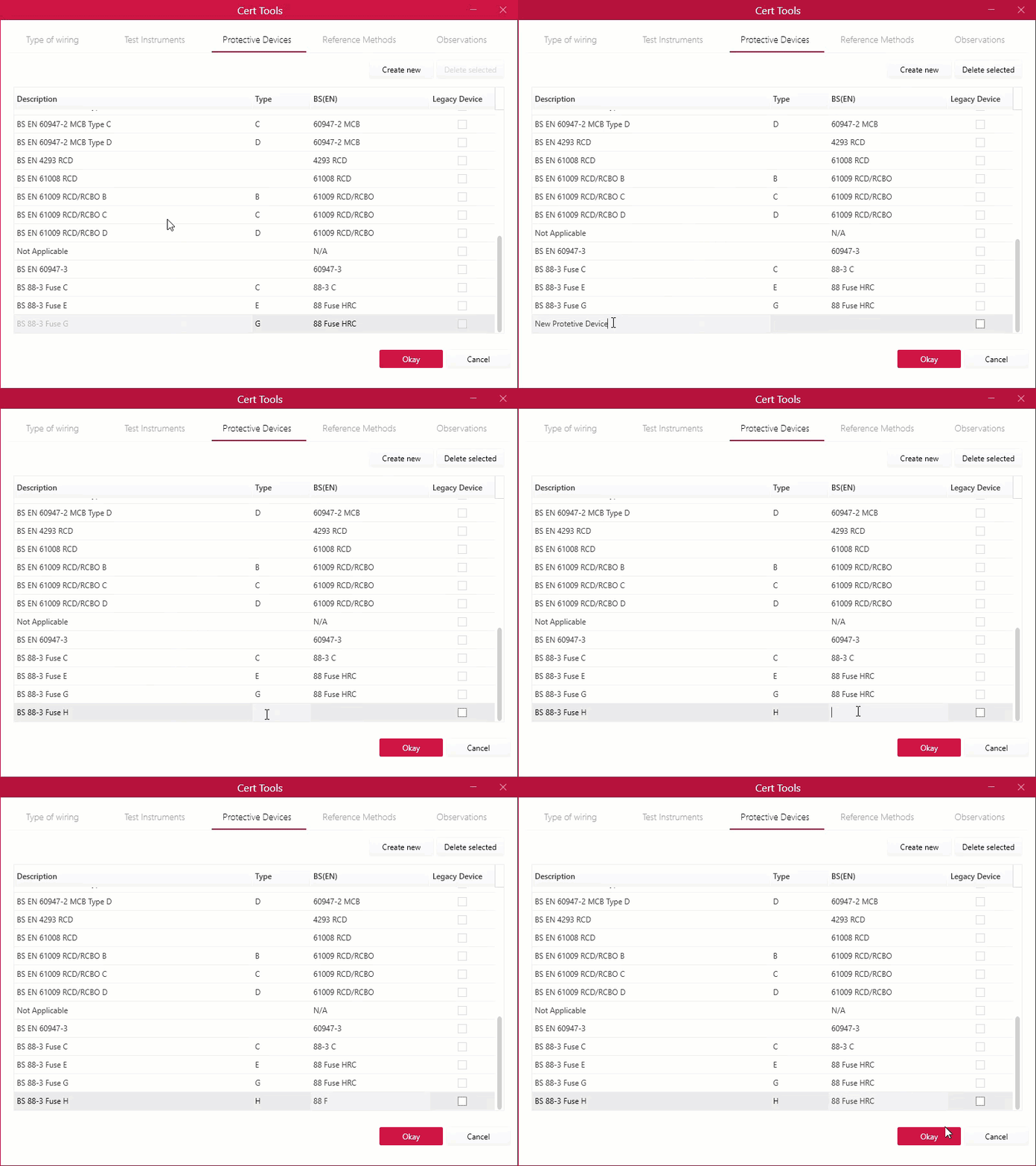
Click ‘Okay’ once finished.
July 2019
Comments
0 comments
Article is closed for comments.