
This article will explain how you log an f-gas entry into a system. In this article, we shall do an additional entry.
First, go to the f-gas module and select 'Systems'.
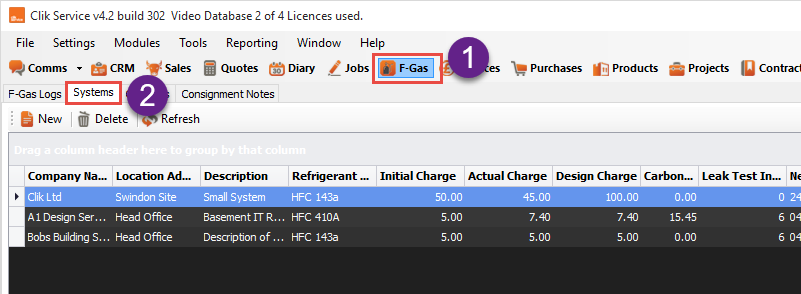
Next, select the system and double-click on it to access it, then click 'New F-Gas Log'.
You will then have the selection to put an addition, removal, leak test or correction/record leak.

Once you’ve clicked addition you will be prompted to put in the log details.
Select the cylinder you’re using to add the gas, the amount of additional gas, the date and the engineer who did the addition. When finished click 'OK'.

When finished, you will see the log entry in the f-gas log for the system.

Comments
0 comments
Article is closed for comments.