
Similarly to the office software, you will also need to apply updates to Field Mode from time to time to make sure you have the latest improvements and fixes. You will receive a notification when a new update is available to download.
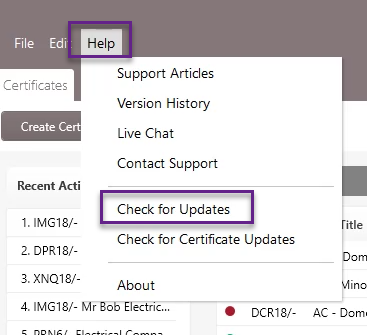
First, go to Help > Check for Updates.
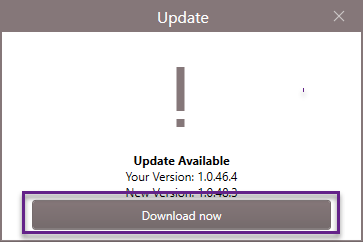
You’ll now see information about the current version you have and the newest version available. Click on the ‘Download Now’ button.
Once the update has been downloaded, you’ll be prompted to click the ‘Install Now’ button to install the software.
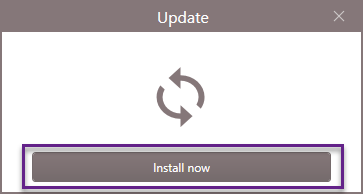
The update will then be installed, and the software will automatically restart.
Published: April 2020
Comments
0 comments
Please sign in to leave a comment.