
Once you’ve finished a certificate you might want to email it to your customers. Here is how you set that up.
The 'Email' tab allows you to configure email server settings and signature.
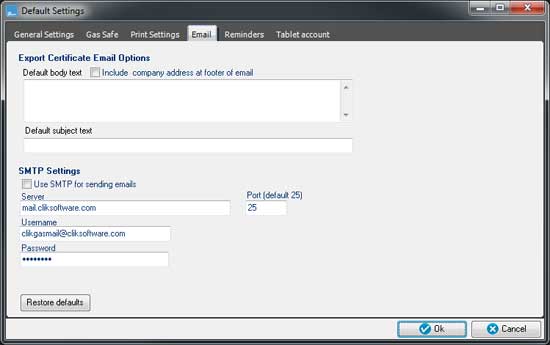
The 'Default body text' box allows you to insert a standard message or signature which will be included anytime you send a certificate through the application.
You can also define a standard subject text for the email.
Below these options are the SMTP settings. If you wish to send emails using SMTP ensure the 'Use SMTP for sending emails' option is ticked. If this is un-ticked, the application will attempt to send emails via your default mail client.
The SMTP server settings are populated with details of the Clik mail server which you can send emails through. If you want to use your own settings, you can change the server details as required.
Comments
0 comments
Article is closed for comments.