
This article will show you how to add your company logo and Gas Safe logo in Clik Cert.
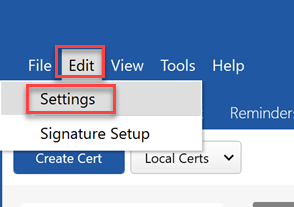
To set up your logo, click Edit > Settings.
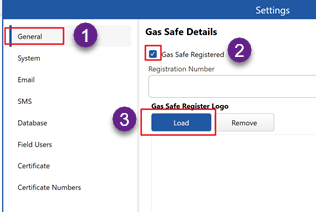
Go to ’General’ in the left-hand menu and tick ‘Gas Safe Registered’. This will populate the logo screen.
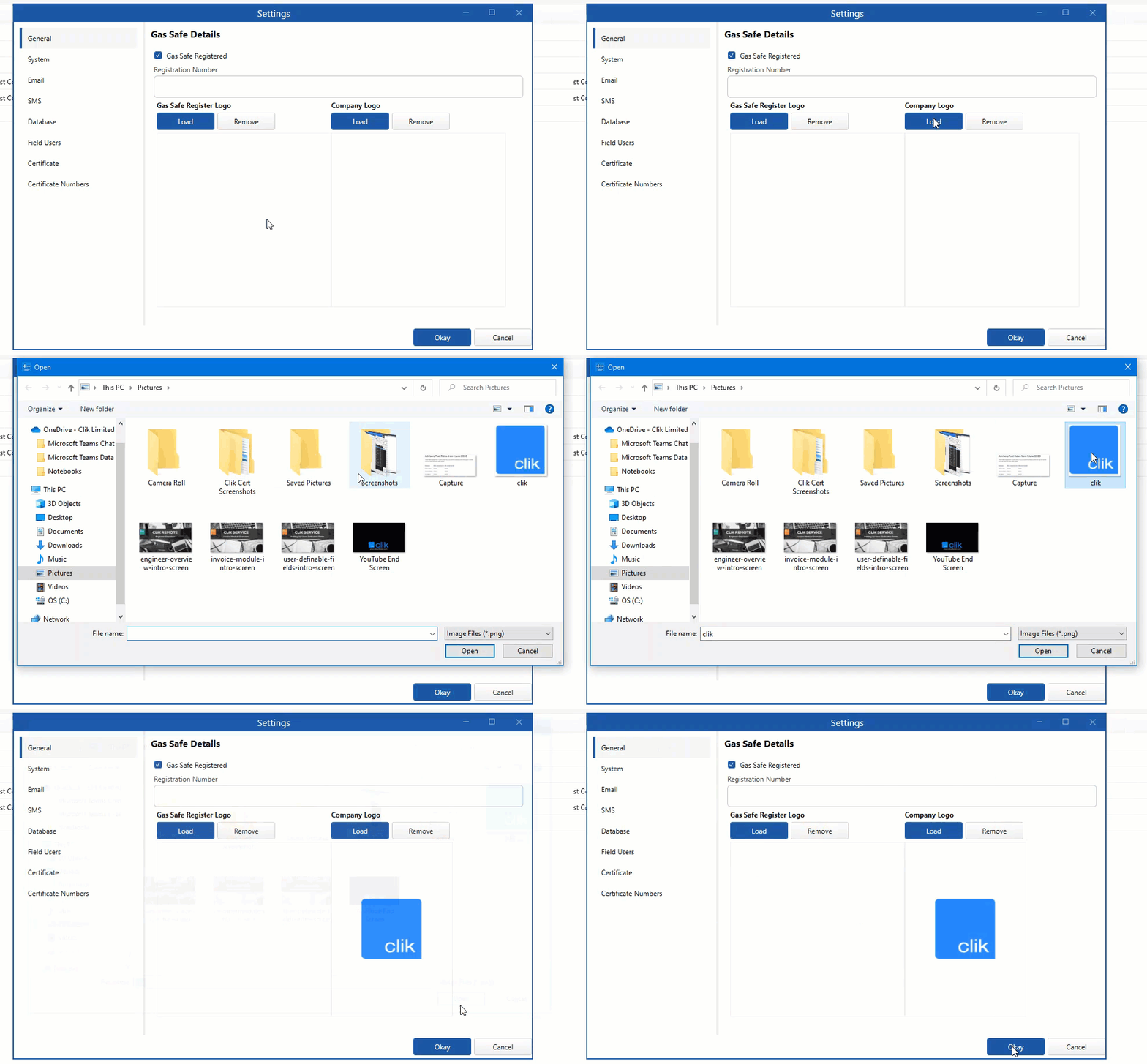
Click ‘Load’, browse to the logo in the pop-up and click ‘Open’.
You can also do the same for your company logo. Click on ‘Load’ under ‘Company Logo’, browse to the logo from the pop-up screen and click ‘Open’.
Comments
0 comments
Please sign in to leave a comment.