
Clik Service offers a set of backup options including scheduled backups and remote backup options.
To create a backup of Clik Service you will need to be logged in with the appropriate permissions to access the settings.
To start, go to Settings > Settings > Backups > Backup Settings.
Here, you can set up automatic backups to run at certain times of the day. Tick the ‘Automatic Backups’ box and then choose the backup location and frequency.
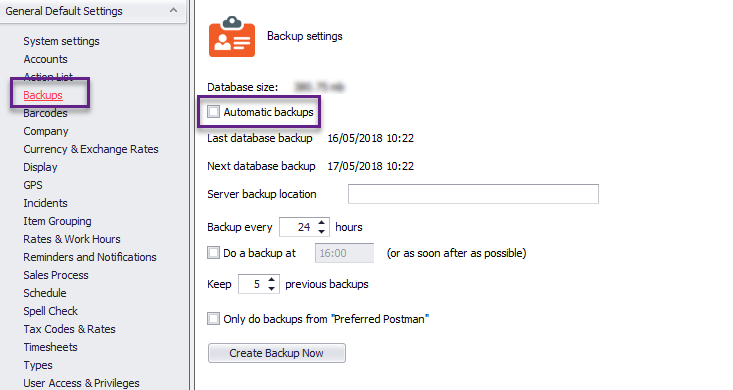
Specify where you want to back up to in the server backup location field.
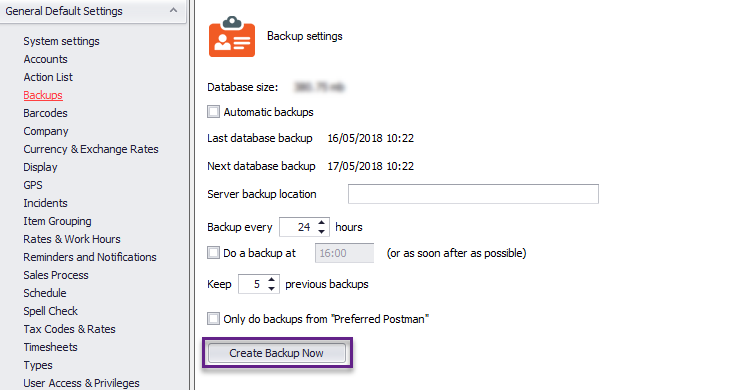
Click 'Run local backup' now and the backup will start.
Click 'OK' in the bottom right, to save your changes.
Comments
0 comments
Article is closed for comments.