
This article will show you how you can easily see any contracts that are due to expire in a certain range.
Go to the 'Contracts' module.
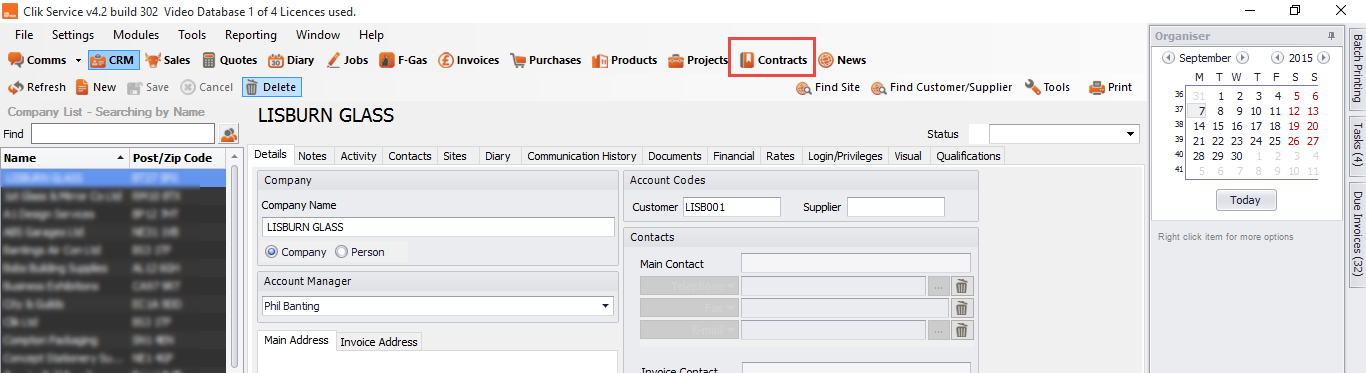
Here you will see all active contracts by default.
To see all contracts expiring by a certain date range, select the range you require by changing the date fields, then select 'Expires in the selected date range' from the show selection box.
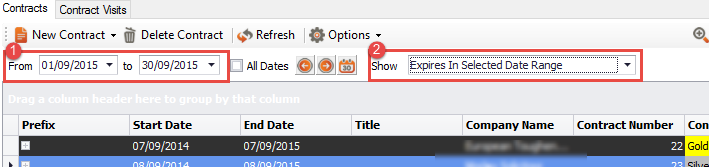
This will then display your contracts that will expire in the selected date range.
Comments
0 comments
Please sign in to leave a comment.