
To help engineers quickly locate a site location and find direction to it using Google Maps. On a mobile device, you can click on the site description within a job sheet to display the location on Google Maps within a webpage, or within the Google Maps app if you have it installed.
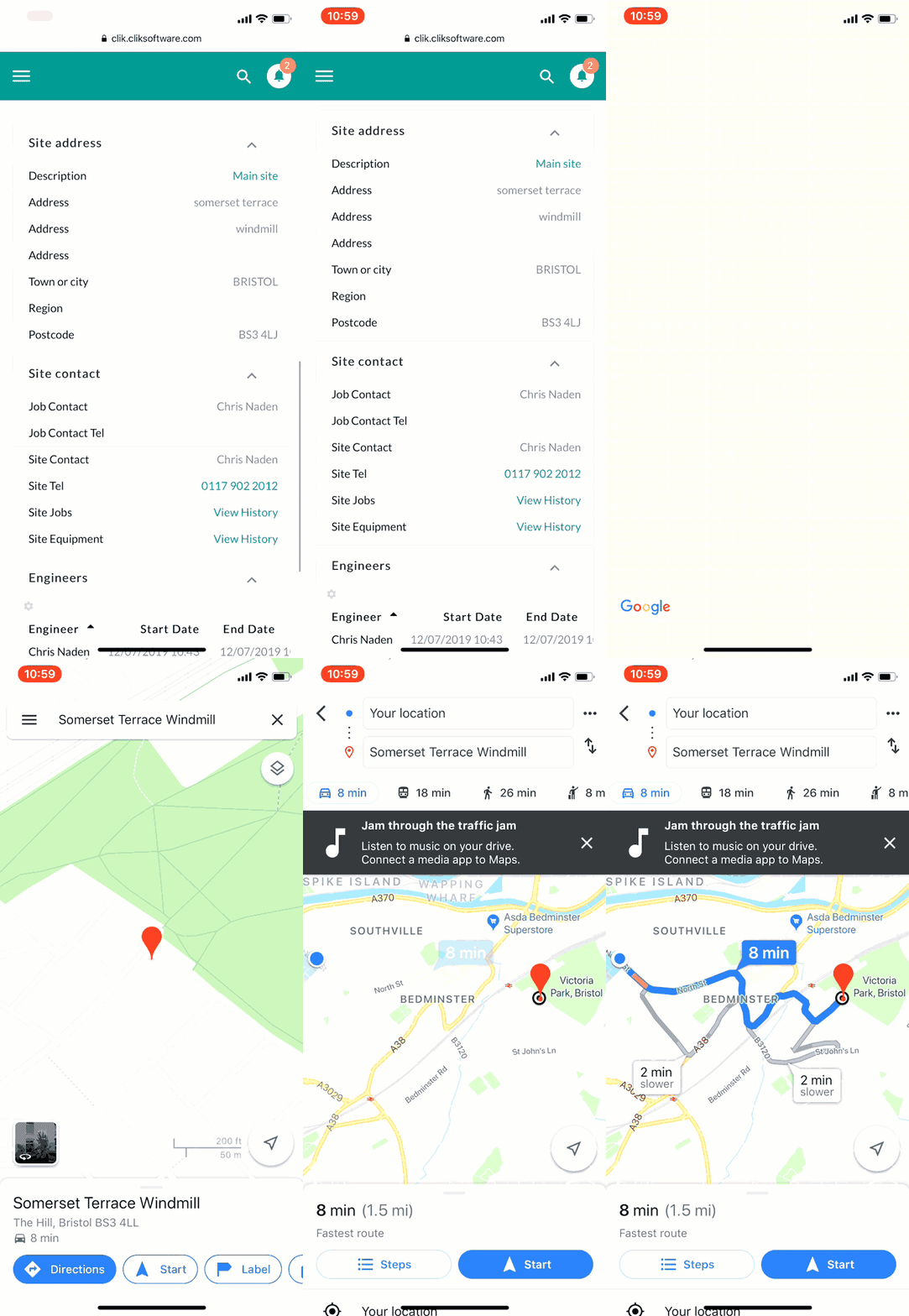
To do this, select a job sheet and find the site address. Here, select the ‘Main Site’ description.

It will then automatically open the site address and directions from your current location.
See the example below to see it in action:
Please note, this function is only available on a mobile device.
This feature is part of update v6.0.75.4, see what else is included in the version details.
Published: July 2019
Updated: November 2020
Comments
0 comments
Article is closed for comments.