
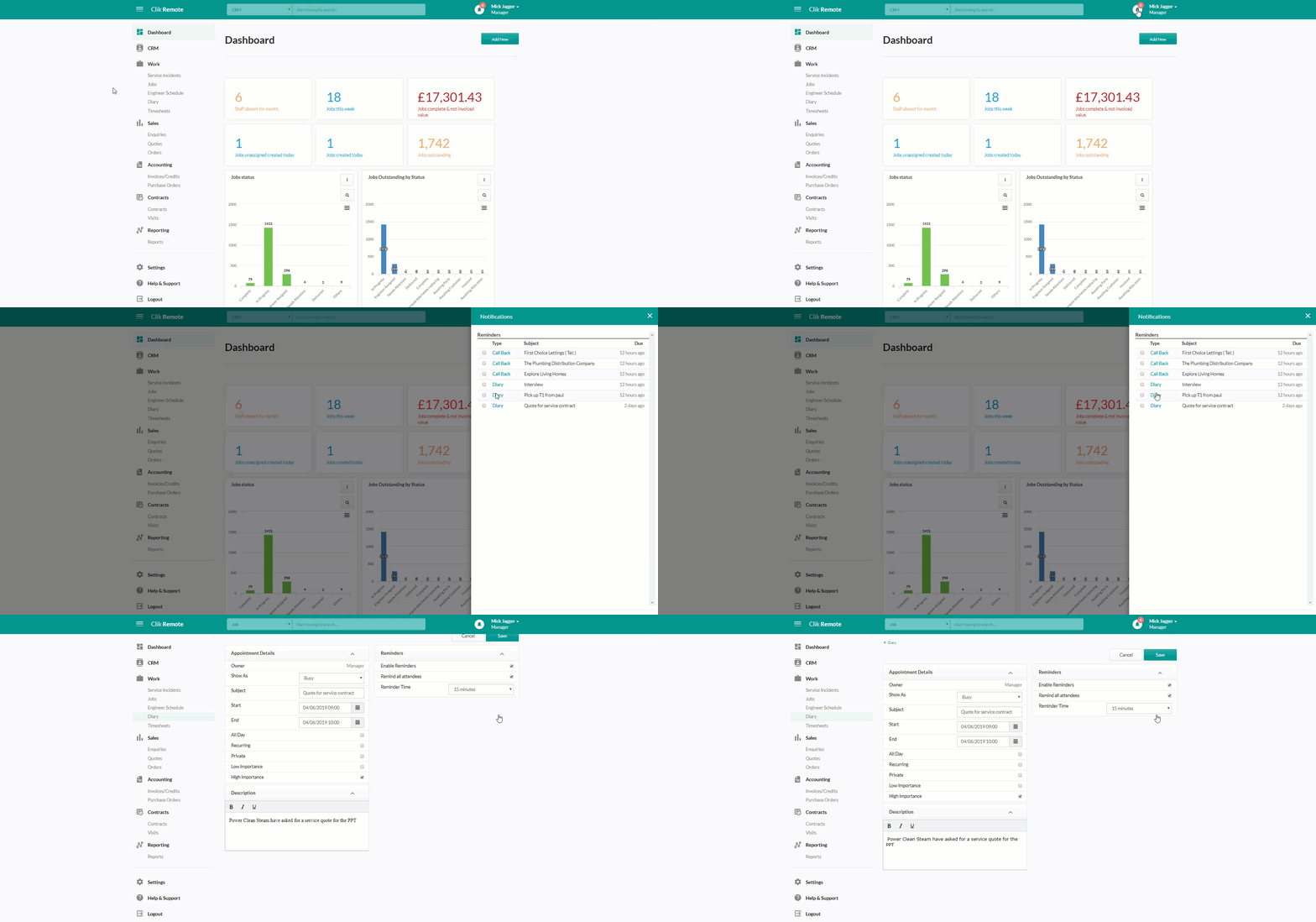
The notification panel will help you to manage callbacks, new software updates and diary reminders. Notifications will pop out from the right-hand side after clicking on the bell icon in the top right of your screen. The number of available notifications will show in red.
The panel will allow you to view available notifications, with options to snooze, dismiss all and dismiss.
This addition was part of the v6.0.64.0 update.
Published: June 2019
Comments
0 comments
Article is closed for comments.