
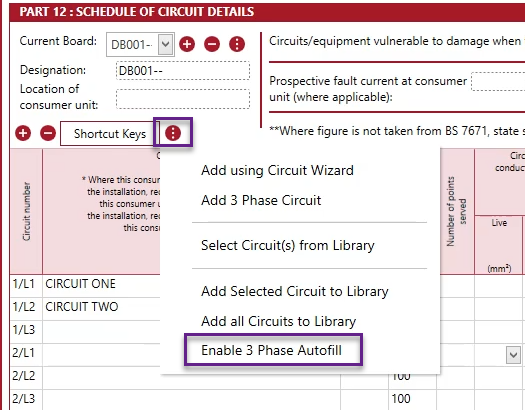
The 3 phase autofill option will help automatically fill in the details across 3 phase circuits. This option is turned off by default.
You will first need to navigate to the Circuit Details page within a cert.
You can add 3 phase circuits by clicking on the options menu found next to the Shortcut Keys and selecting ‘Add 3 Phase Circuit’.
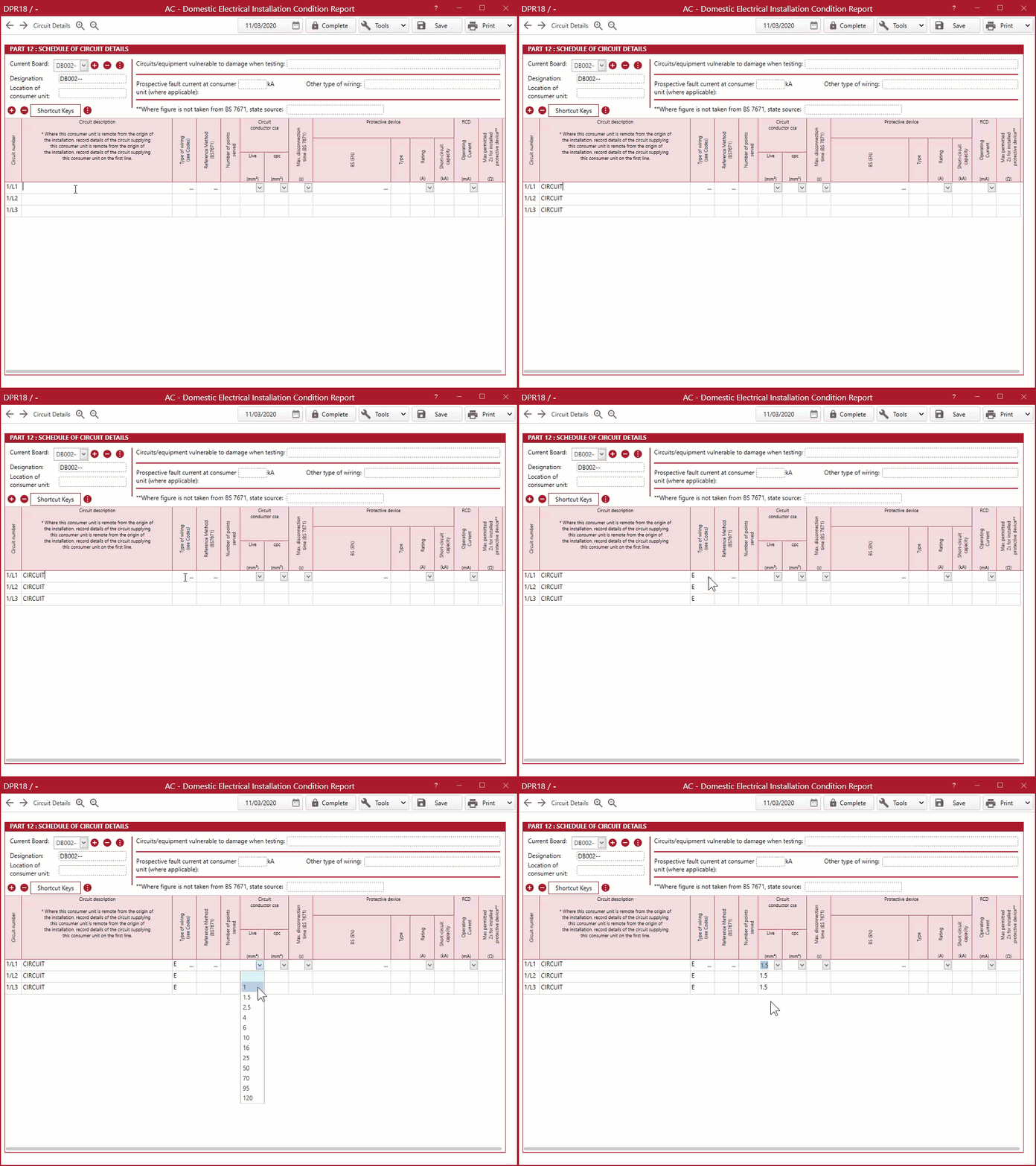
When entering the details in a 3 phase, it will then also copy onto the other circuits.
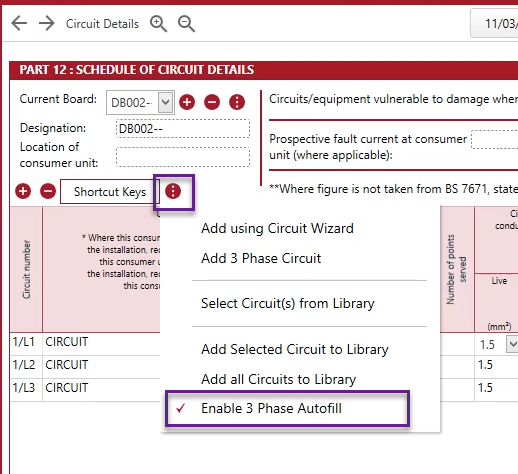
You can then switch this function off by going back to the options menu and re-selecting the ‘Enable 3 Phase Autofill’ option.
Published: March 2020
Comments
0 comments
Please sign in to leave a comment.