
In the job screen click on the plus icon in the top-right.

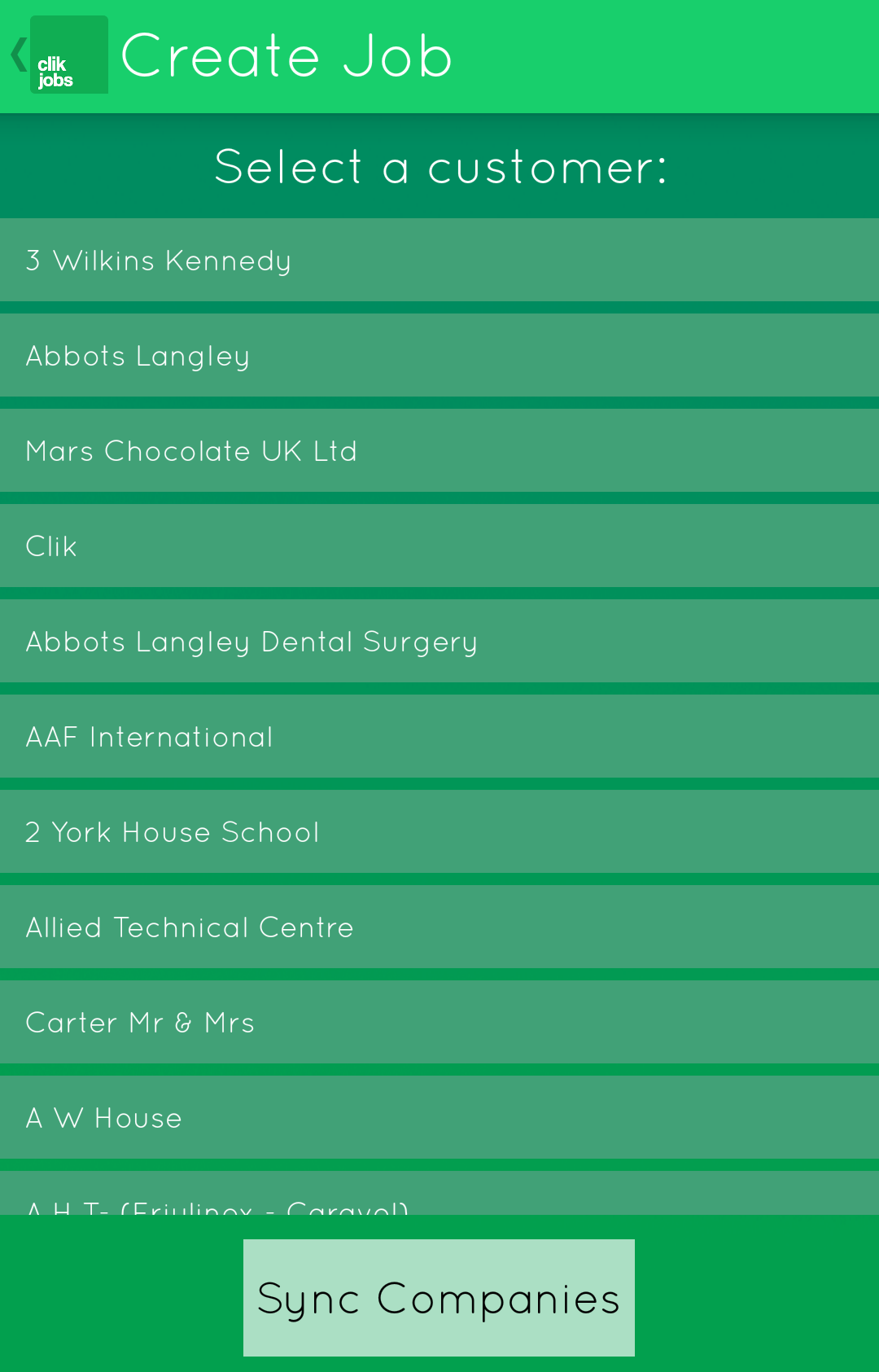
You will now see the customers the engineer is allowed to create jobs for. Select a customer. If the customer has sites you will need to select the site.
Next, you can add equipment or click 'next' if no equipment is used on this job.

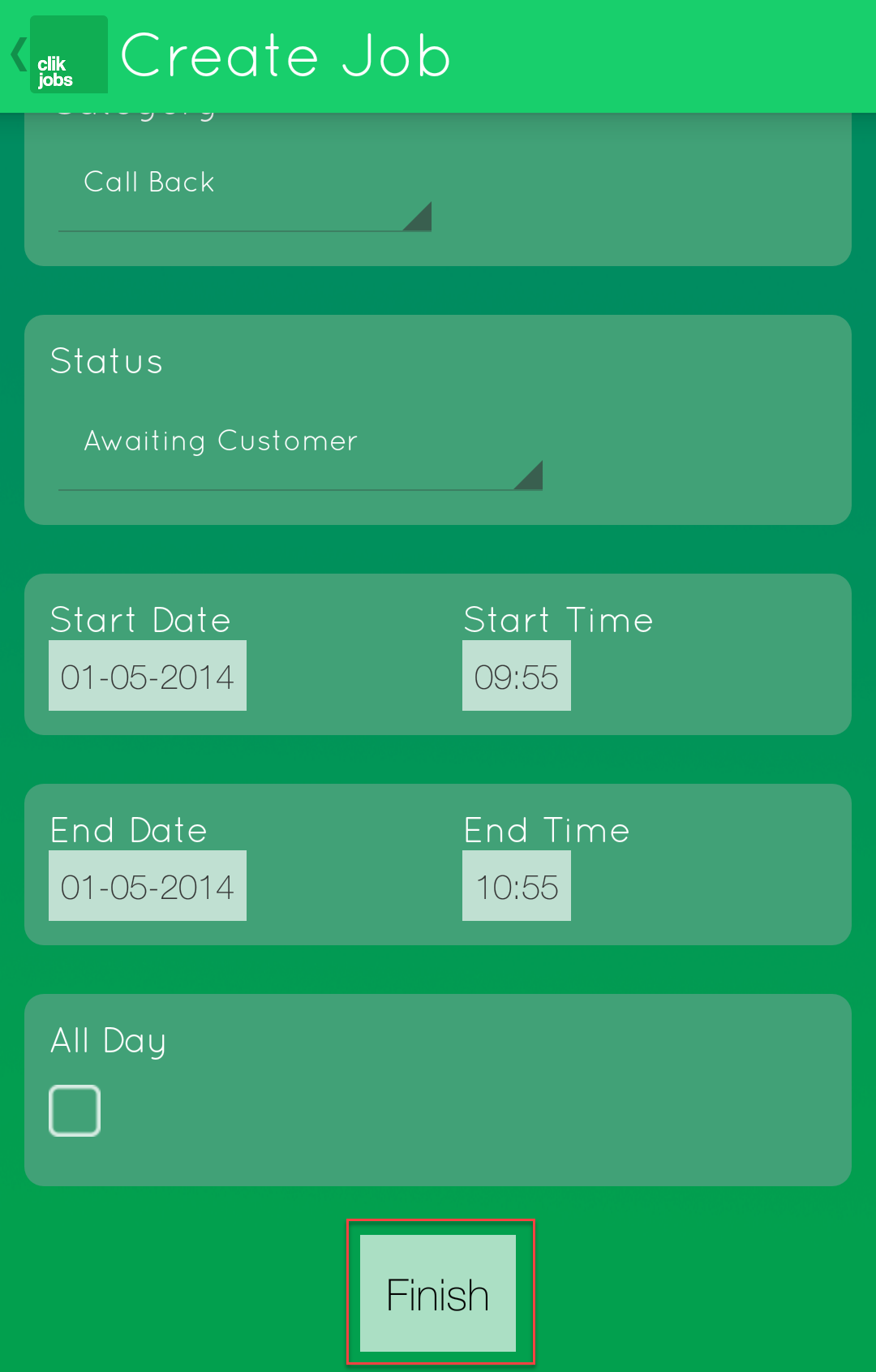
Now you can fill in the rest of the job sheet. Scroll down and select 'finish'.
Comments
0 comments
Article is closed for comments.