
Once you have created your signature, you can do the following to add it to your purchase order. If you haven't created your signature yet, this article will explain how to do it.
Open a purchase order in Clik Service and select the 'Signature' tab.

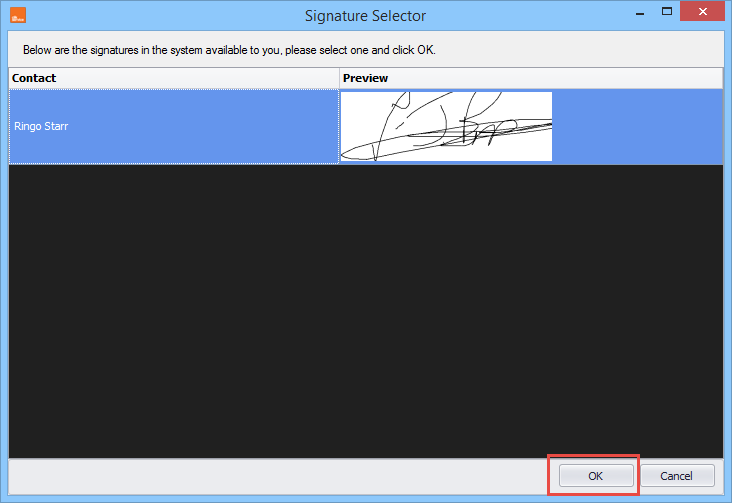
Click 'Add' then select your signature and click 'OK'.
You will now see that a signature has been added to the purchase order.
Comments
0 comments
Article is closed for comments.